By Prasanth Kumar · September 9, 2026 · updated September 10, 2026
A budget of ₹40,000 buys a solid everyday laptop in 2026 — good for college, office work, browsing and video, but not gaming or heavy content creation. This guide covers what to expect at this price, the four models worth buying in India right now, and the specs that matter most — especially RAM and whether you can upgrade it later.
The shortlist at a glance
| Laptop | Processor | RAM (upgrade?) | Storage | Display | Approx. price | Best for |
|---|---|---|---|---|---|---|
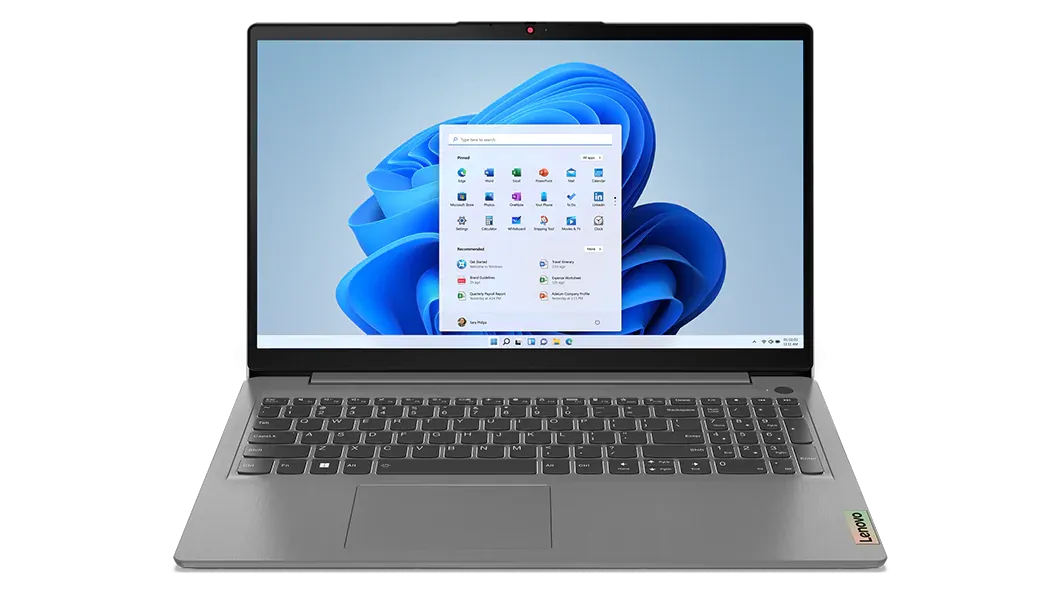
| Lenovo IdeaPad Slim 3 | Core i5 12450H (12th gen) | 8 GB — usually 1 free SODIMM slot | 512 GB SSD | 15.6″ FHD IPS | ₹37,000–₹40,000 | Performance |
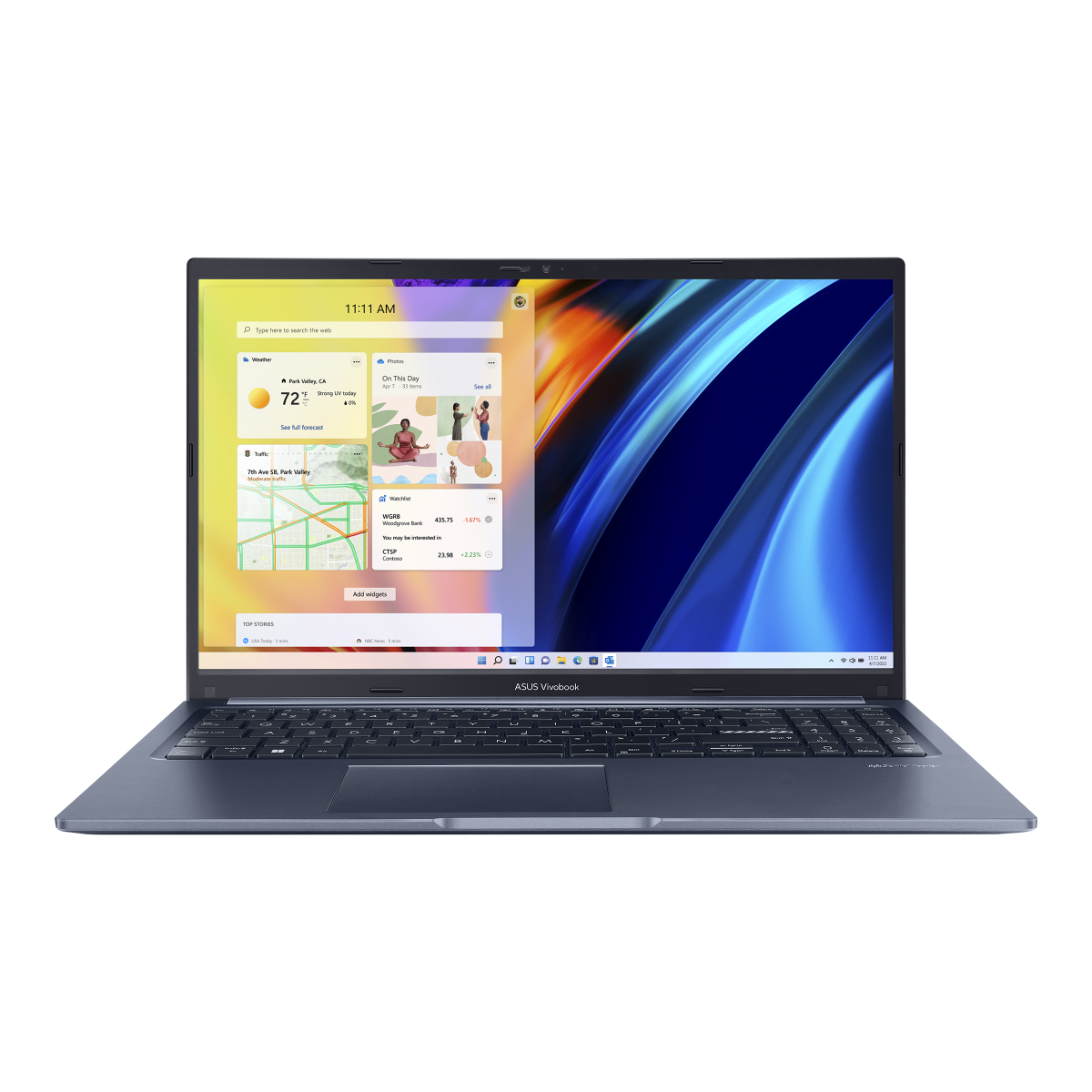
| ASUS Vivobook 15 | Core i5 12th gen / Core i3 | 8 GB — check for a free slot (some soldered) | 512 GB SSD | 15.6″ FHD | ₹35,000–₹39,000 | All-round use |
| Acer Aspire Lite / Aspire 3 | Ryzen 5 7430U / Core i5 | 8–16 GB — 1 free SODIMM slot on most | 512 GB SSD | 15.6″ FHD | ₹32,000–₹38,000 | Value |
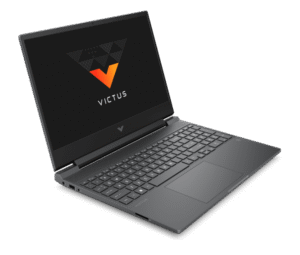
| HP 15s | Ryzen 5 7430U / Core i5 | 8 GB — 1 free SODIMM slot on most | 512 GB SSD | 15.6″ FHD | ₹36,000–₹40,000 | Battery life |
Configurations vary widely at this price and change often. RAM upgradeability depends on the exact model — the notes above are typical, not guaranteed. Specs compiled September 2026 from Smartprix, 91mobiles and manufacturer listings.
Which one is right for you
Lenovo IdeaPad Slim 3
The IdeaPad Slim 3 with a 12th-gen Core i5‑12450H is the fastest laptop you can buy near ₹40,000. That H-series chip has eight cores and handles multitasking, spreadsheets, coding and light photo editing noticeably better than the U-series and Core i3 options. It ships with 8GB of RAM, but most units have a spare memory slot — adding an 8GB stick later (about ₹1,500–₹2,000) takes it to 16GB and is the single best upgrade you can make. The FHD IPS screen is decent; battery life is average because the H-series chip draws more power.
ASUS Vivobook 15
The Vivobook 15 is the safe, widely-available choice: a 15.6-inch FHD screen, a full-size keyboard with number pad, a good port selection and an easy-to-open base for cleaning and upgrades. Look for a 12th- or 13th-gen Core i5 configuration rather than the Core i3 versions that share the same name. The one thing to verify is memory — some Vivobook 15 units have 8GB soldered plus one free slot, others have RAM entirely soldered, so check the exact model number before buying if you want to upgrade.

Acer Aspire Lite / Aspire 3
Acer’s Aspire line is usually the cheapest way to get a Ryzen 5 7430U, and it is one of the few laptops where a 16GB configuration slips under ₹40,000 during sales. Build quality and the screen are basic — adequate rather than nice — but the internals are exactly what most people need, and there is a free memory slot on most units. If you want the best raw specs per rupee and don’t mind a plainer machine, this is it.
HP 15s
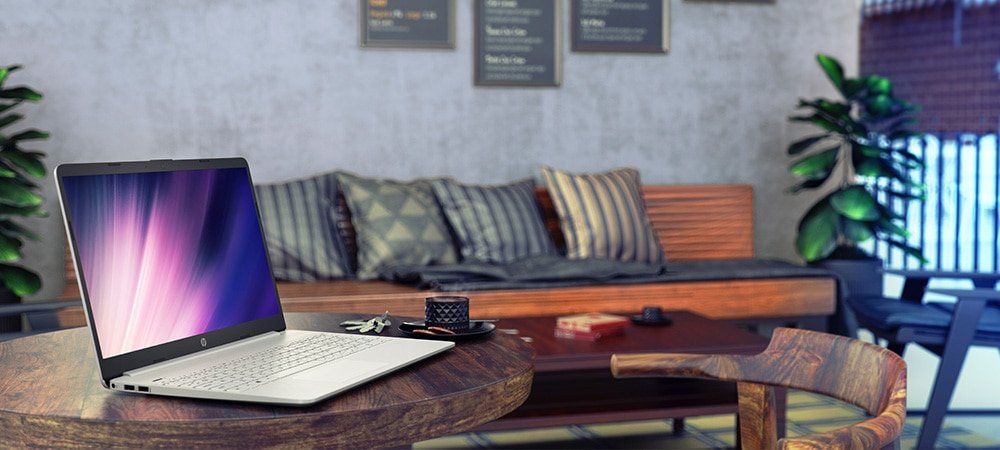
The HP 15s with a Ryzen 5 7430U is the pick if you want the laptop to last a full working day away from a charger. The efficient U-series chip is plenty for office and study work, HP’s build is a step above Acer’s, and there is a free RAM slot on most units. The screen is the weak point — a basic FHD panel with modest brightness — so it is less pleasant for outdoor use.
If you can stretch to ₹50,000–₹55,000
The ₹50,000–₹55,000 band is a big step up: 16GB RAM as standard, a proper metal build, a brighter FHD or even a 2.8K OLED screen, and a faster Core i5/Ryzen 5 with more thermal headroom. If your budget can stretch and you keep laptops for 5+ years, it is worth the extra. Options include the Lenovo IdeaPad Slim 5, ASUS Vivobook S15 and HP Pavilion.
What to check on a laptop under ₹40,000
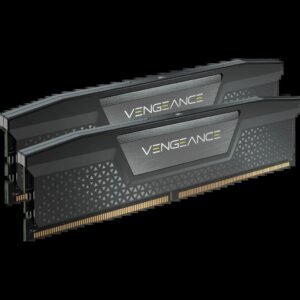
- RAM — amount and upgradeability: 8GB is the norm and just enough for Windows 11 plus a browser. The key question is whether there is a free SODIMM slot to add another stick later — check the model’s service manual or a teardown video. See our RAM guide.
- Storage: insist on a 512GB SSD. Avoid any laptop still sold with a mechanical hard drive or 256GB, and check for a spare M.2 slot.
- Processor: target a 12th/13th-gen Intel Core i5 or a Ryzen 5 (7430U/7530U). Avoid 10th/11th-gen Intel and Core i3 unless the discount is large.
- Display: only buy Full HD (1920×1080) IPS. HD (1366×768) and TN panels still exist in this budget and are not worth it.
- Ports and build: look for USB-C, HDMI and at least one USB-A. A metal lid is a bonus; most at this price are plastic.
- Warranty: check whether onsite warranty is included — it is worth more than a small price difference.
FAQ
Can I game on a ₹40,000 laptop?
Only lightly. These laptops use integrated graphics, which handle older or less demanding titles at low settings. For current games you need a dedicated GPU, which starts around ₹55,000–₹60,000. For 1080p desktop gaming on a budget, see our graphics card guide.
Is 8GB RAM enough in 2026?
It is the minimum for Windows 11 — fine for a browser with a few tabs, documents and video, but you will notice slowdowns with many tabs or heavier apps. If you can, buy a model with a free RAM slot and add an 8GB stick; 16GB total transforms these machines.
Intel or AMD in this budget?
Both are fine. A 12th-gen Core i5 H-series is faster for bursty work; a Ryzen 5 U-series lasts longer on battery. Match the choice to whether you value speed or battery life more.
Should I buy a Chromebook instead?
Only if your work lives entirely in a browser and Google apps. A Chromebook feels faster on the same budget but cannot run Windows software, most Indian tax/accounting tools, or offline creative apps.
Laptop picks and price ranges compiled September 2026 from specification databases and manufacturer listings; configurations and prices change frequently — confirm the exact spec and live price before buying. Product images are official manufacturer renders (Lenovo, ASUS, Acer, HP), used for editorial illustration. More in Buying Guides.

Prasanth Kumar is the founder and editor of technew.cloud. He is a technology professional with over 10 years of experience in DevOps, SRE, cloud computing, Kubernetes, Terraform, CI/CD and infrastructure. He writes about smartphones, laptops, graphics cards, gadgets, AI tools, and the technology and products he researches, uses and evaluates. Based in India.